Overview
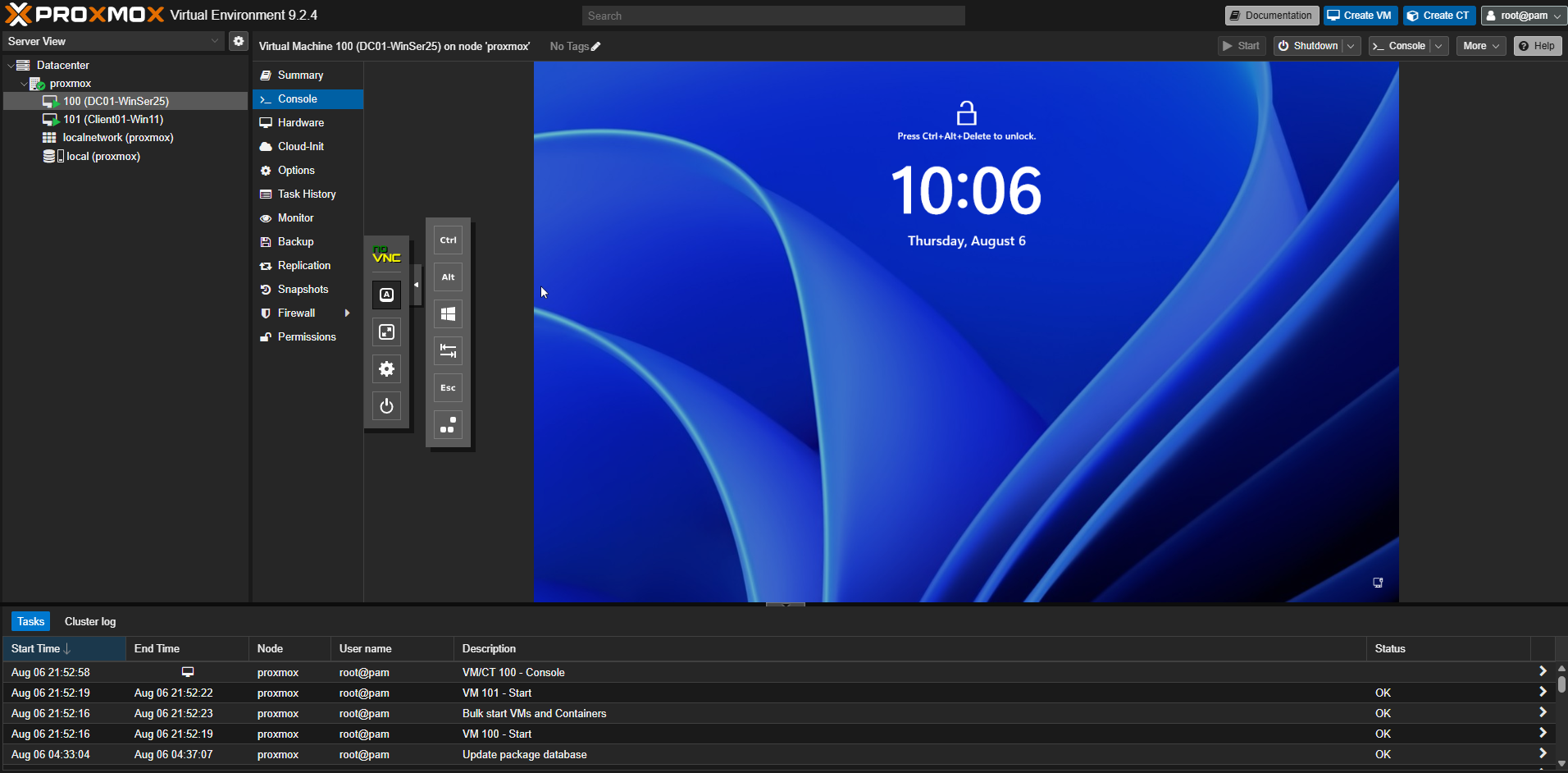
The lab runs on a dedicated Proxmox host named PVE01. The goal was to create a repeatable platform for building and testing enterprise IT services without affecting production equipment.
Hardware
- CPU: Intel Core i3-4170, 2 cores / 4 threads
- Memory: 16 GB DDR3-1600
- Storage: 1 TB SATA SSD
- Hypervisor: Proxmox VE 9.2.2
Implementation
- Installed Proxmox VE and configured management networking.
- Uploaded Windows Server and VirtIO driver ISO files.
- Created the first virtual machine, DC01.
- Allocated compute, memory, storage, and virtual-network resources.
- Used snapshots before major configuration changes.
Results
- Created a stable base for Windows Server and Windows 11 lab systems.
- Established repeatable VM deployment and recovery practices.
- Built a platform that can expand into Linux, Docker, monitoring, and security projects.
Lessons Learned
This project strengthened my understanding of virtualization, VM provisioning, storage allocation, virtual networking, and the value of snapshots before major system changes.
Screenshot