Overview
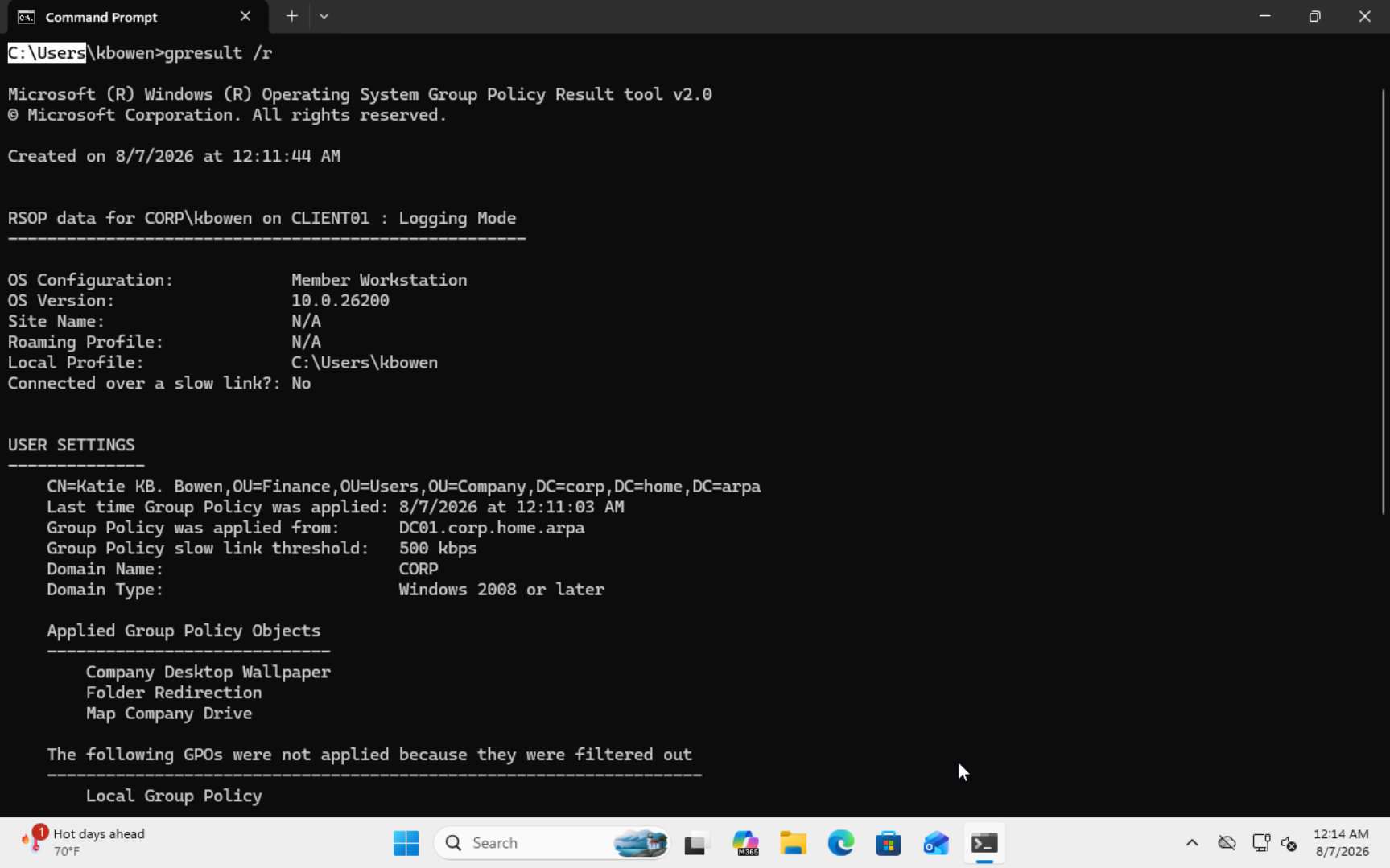
CLIENT01 was created as a Windows 11 Pro virtual machine in Proxmox and used to validate the Active Directory environment from an end-user workstation.
System Information
- Computer: CLIENT01
- Operating System: Windows 11 Pro
- Hypervisor: Proxmox VE
- Domain: corp.home.arpa
- Domain Controller: DC01
Implementation
- Created the CLIENT01 virtual machine.
- Installed Windows 11 Pro and VirtIO drivers.
- Configured the client to use DC01 for DNS.
- Joined CLIENT01 to corp.home.arpa.
- Verified successful sign-in using the CORP\tbowen account.
Challenge and Resolution
The workstation initially could not locate the domain controller because DNS was configured incorrectly. I corrected the client DNS settings to use DC01, repeated the domain join, and verified successful authentication.
Lesson Learned
Active Directory depends heavily on DNS. Domain clients must locate domain services through the domain controller's DNS server before they can join and authenticate reliably.
Screenshot